

Ocean Optics provides software tools at varying levels of complexity to meet your spectroscopic analysis and automation needs.
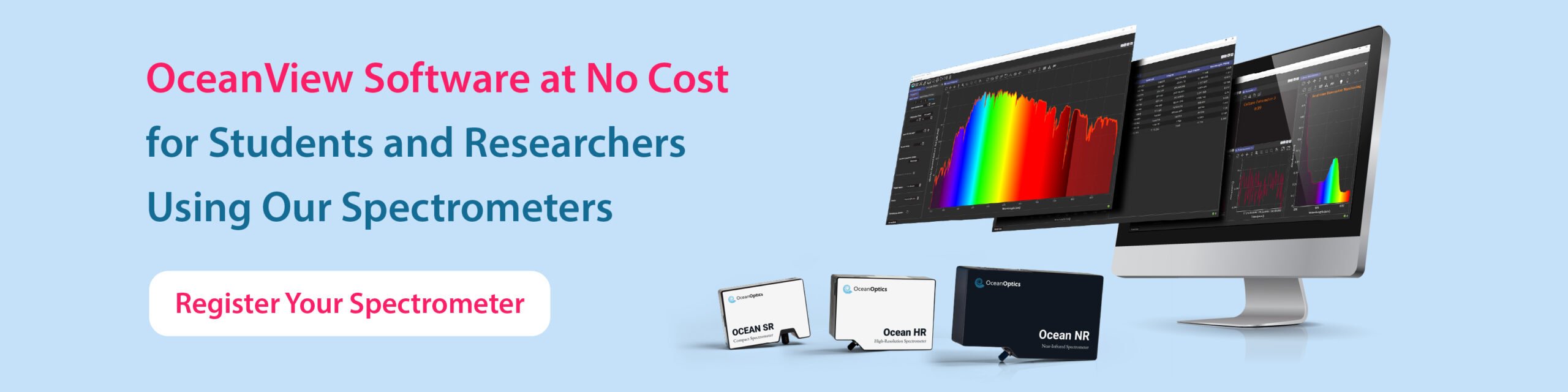
OceanView
Graphical User Interface (GUI) enables real-time control and processing of measurements taken with Ocean Optics spectrometers.
OceanDirect
Software Developer’s Kit (SDK) offers easy access for creating custom software solutions with Ocean Optics Spectrometers.
Important Announcement: OceanDirect
As the industry continues shifting toward 64-bit architectures, the availability of 32-bit hardware and demand for 32-bit software support have steadily declined. While we have maintained compatibility for legacy systems, ensuring robust support has become increasingly difficult due to the lack of modern 32-bit hardware for real-world testing.
To maintain the quality, security, and reliability of our software, we will be phasing out OceanDirect 32-bit support on the following timeline:
- September 30, 2025 – Limited support phase begins: No further optimizations, but critical patches may still be negotiated.
- March 31, 2026 – Full deprecation: 32-bit support will be discontinued in all future releases.
For customers still relying on 32-bit systems, we encourage you to begin transitioning to 64-bit platforms. Our team is available to provide guidance and recommendations to ensure a smooth migration.
Need a Software Quote?
If you need software technical support, please click here and submit the Tech Support Form.
Software Product Support
Access user guides, technical tips, and important information for your software.
- Tech Tips
- Setup / Sample Pack Downloads
- Operations Manuals
- Discontinued List